Set it up step by step
Start by adding CallerPlugins for HubSpot to Chrome and confirming your work email. Then pick the setup that matches the Google account your Voice number is on.
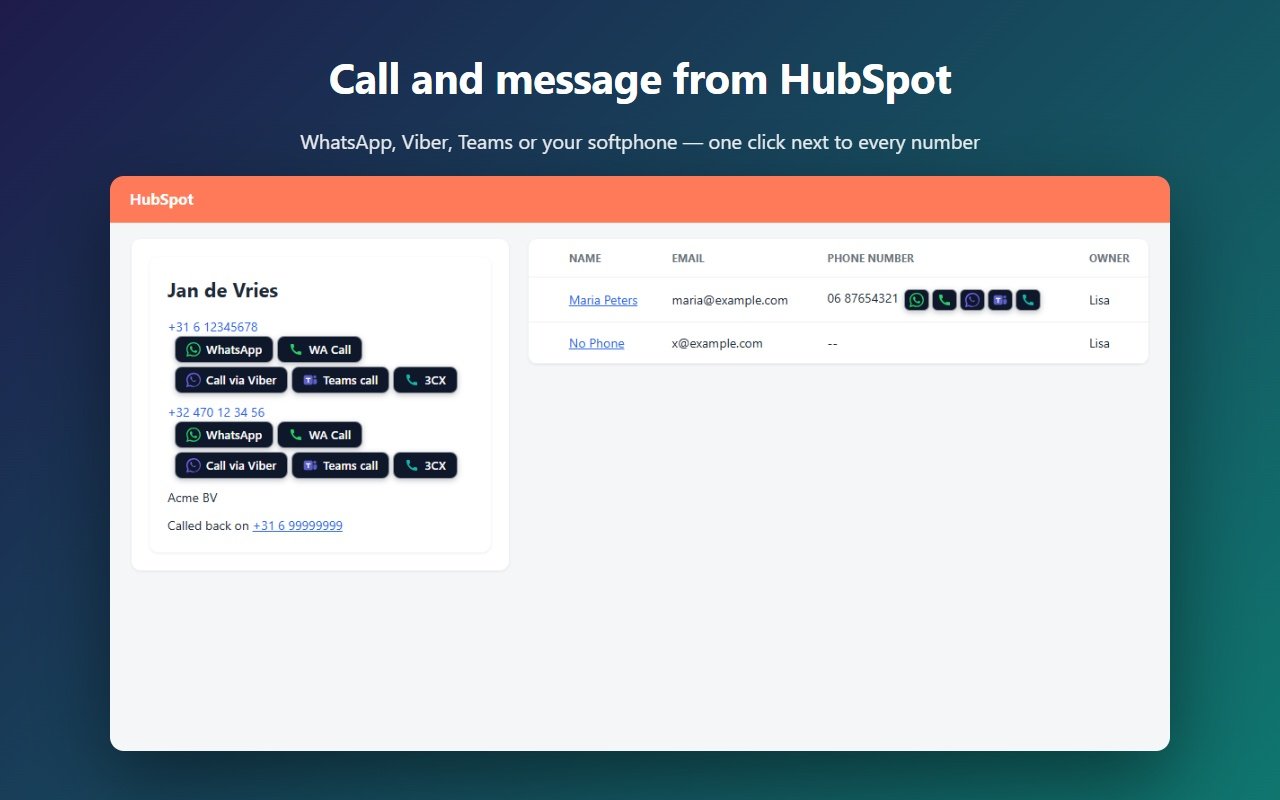
With the Google Voice button (Chrome, any HubSpot plan)
Nothing to install besides the extension, and no default app to change. The call runs in a Chrome tab through your Google Voice number.
- Check that you can call from voice.google.com in Chrome: sign in, open Calls and make one test call. Allow the microphone when Chrome asks.
- In the CallerPlugins settings, switch on the Google Voice button.
- Save your HubSpot numbers with their country code, such as +1 415 555 0123. The extension sends those as they are. A US number saved as (415) 555-0123 is read without its +1 and can go to the wrong country.
- Open a contact in HubSpot, or the phone column of a contact list, and click the Google Voice button next to the number.
- Google Voice opens in a new tab with the number in the link. Press call in Google Voice. The contact normally sees your Google Voice number.
If your Google Voice number is on a work account
The button opens the first Google account you are signed in to in Chrome (the /u/0 in the link). If your Voice number is on another account, Google Voice opens in the wrong one.
- Easiest: make a separate Chrome profile for work. Make the Google account with your Voice number the first account you sign in to there.
- Install CallerPlugins and sign in to HubSpot in that same profile.
- Click the button again. Google Voice now opens in the work account, with the number in the link.
The exact link the button opens, and which Google Voice plans exist, are on the Google Voice page. Calling with a softphone, Teams or your mobile instead? See HubSpot click to call without Aircall.
What ends up in HubSpot
- Google Voice keeps the call in its own call history. HubSpot doesn’t see it, and Google Voice texts don’t reach HubSpot either. On the free plan, log the call by hand with Log call on the contact.
- Pro: connect HubSpot once in your dashboard, and every click on the Google Voice button becomes a completed call on the contact’s timeline, titled with the tool and the contact. It records who clicked and when. It doesn’t record the call itself, its length or a recording.
- Need recordings, call outcomes or texts in HubSpot? Then HubSpot calling or a calling app from the HubSpot App Marketplace fits better, with its own numbers instead of Google Voice.
How we wrote this guide
The link, the number handling and the /u/0 account choice come from the extension’s code; the exact link is on the Google Voice page. The Google Voice plans come from Google’s plan comparison, and HubSpot’s calling options from HubSpot’s knowledge base, checked on the date below. We haven’t tested the Google Voice side ourselves: what Google Voice does with the link is Google’s behaviour, and it can change.
Add CallerPlugins for HubSpot to Chrome — free
Free: 10 uses per tool per month, or 100 for your team with a confirmed company email · Pro from €4.99 per user per tool · See pricing