Set it up step by step
Start by adding CallerPlugins for Pipedrive to Chrome and confirming your work email. Then pick the setup that matches how your Pipedrive numbers are stored.
With Pipedrive’s custom phone link (no extension)
Pipedrive lets you choose the link a phone number opens. Because zoomphonecall:// is Zoom’s own link, you don’t have to change a default app in Windows or macOS.
- Check that your Zoom account has a Zoom Phone licence and number, and that the Zoom Workplace desktop app is up to date and signed in.
- In Pipedrive, open the account menu at the top right and go to Tools and apps → Phone calls. Choose Custom and enter zoomphonecall://[number]. Pipedrive replaces [number] with the contact’s number. Save the settings.
- Click a phone number on a person or deal. The first time, Chrome asks whether Pipedrive may open Zoom; tick “Always allow”. Zoom opens and dials the number.
- Pipedrive inserts the number as it is stored. We haven’t tested how Zoom handles spaces, dashes or a missing country code. If a click opens Zoom but doesn’t dial, store the number as +31201234567 or use the button below.
With the Zoom Phone button (Zoom desktop app)
The button cleans the number first and sends it in international format. That is the safer choice when your contacts were imported from different sources.
- In the CallerPlugins settings, switch on the Zoom Phone button.
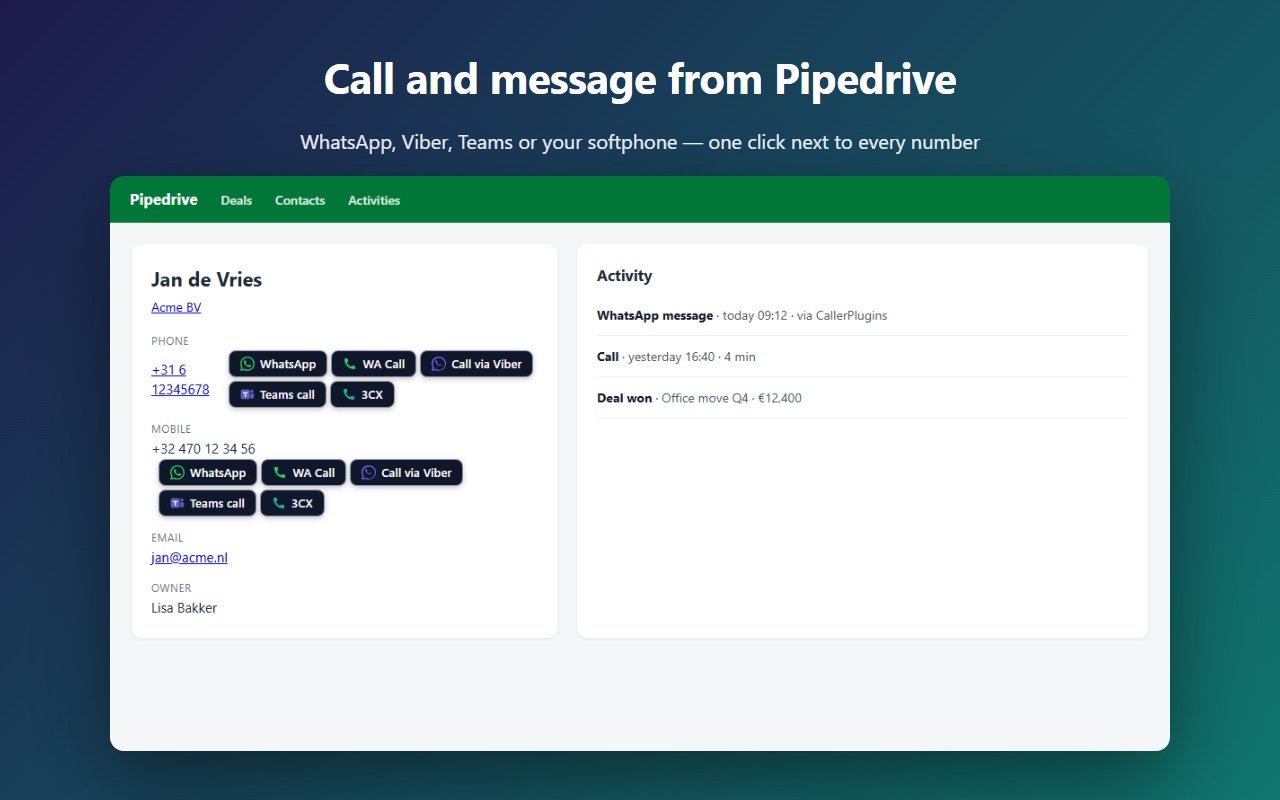
- Open a person or deal in Pipedrive and click the Zoom Phone button next to the number. A number like 020 123 4567 goes out as zoomphonecall://+31201234567. A number without a country code gets the country code of other numbers on the page, or +31 if there are none.
- Chrome asks once whether Pipedrive may open Zoom; tick “Always allow”. Zoom Workplace opens and dials straight away, without a screen to confirm.
- The contact sees your Zoom Phone caller ID, as set in the Zoom app or by your Zoom admin.
What the Zoom Phone button sends, and what Zoom needs on your computer, is on the Zoom Phone page. Calling with Teams instead? See calling from Pipedrive with Microsoft Teams.
What ends up in Pipedrive
- Pipedrive’s help article on phone links doesn’t say that a click creates an activity. Zoom keeps the call in its own call history. On the free plan, log the call by hand with a call activity on the person or deal.
- Pro: connect Pipedrive once in the dashboard, and every click on the Zoom Phone button is saved as a done call activity on the person or deal, with the tool and the time. It records who clicked and when, not the call’s length or a recording.
- Want Zoom’s own call details in Pipedrive? Zapier offers a template that creates a Pipedrive activity when a Zoom Phone call ends. It needs a Zapier plan, and matching calls to the right person is up to your Zap.
How we wrote this guide
The zoomphonecall:// link and the number cleaning come from the extension’s code. The Pipedrive phone settings come from Pipedrive’s help article, the link formats and auto-dial from Zoom’s developer documentation, and the Zapier template and the Zoom Meetings app from their own pages, all checked on the date below. We haven’t tested the custom link in Pipedrive against a Zoom Phone account of our own, and menu names can change.
Add CallerPlugins for Pipedrive to Chrome — free
Free: 10 uses per tool per month, or 100 for your team with a confirmed company email · Pro from €4.99 per user per tool · See pricing